 English
 Portuguese
 Bahasa
Melayu
Bahasa
Melayu ไทย
ไทย 中文
中文 Tiếng Việt
 Español
 हिन्दी
 日本語
日本語 العربية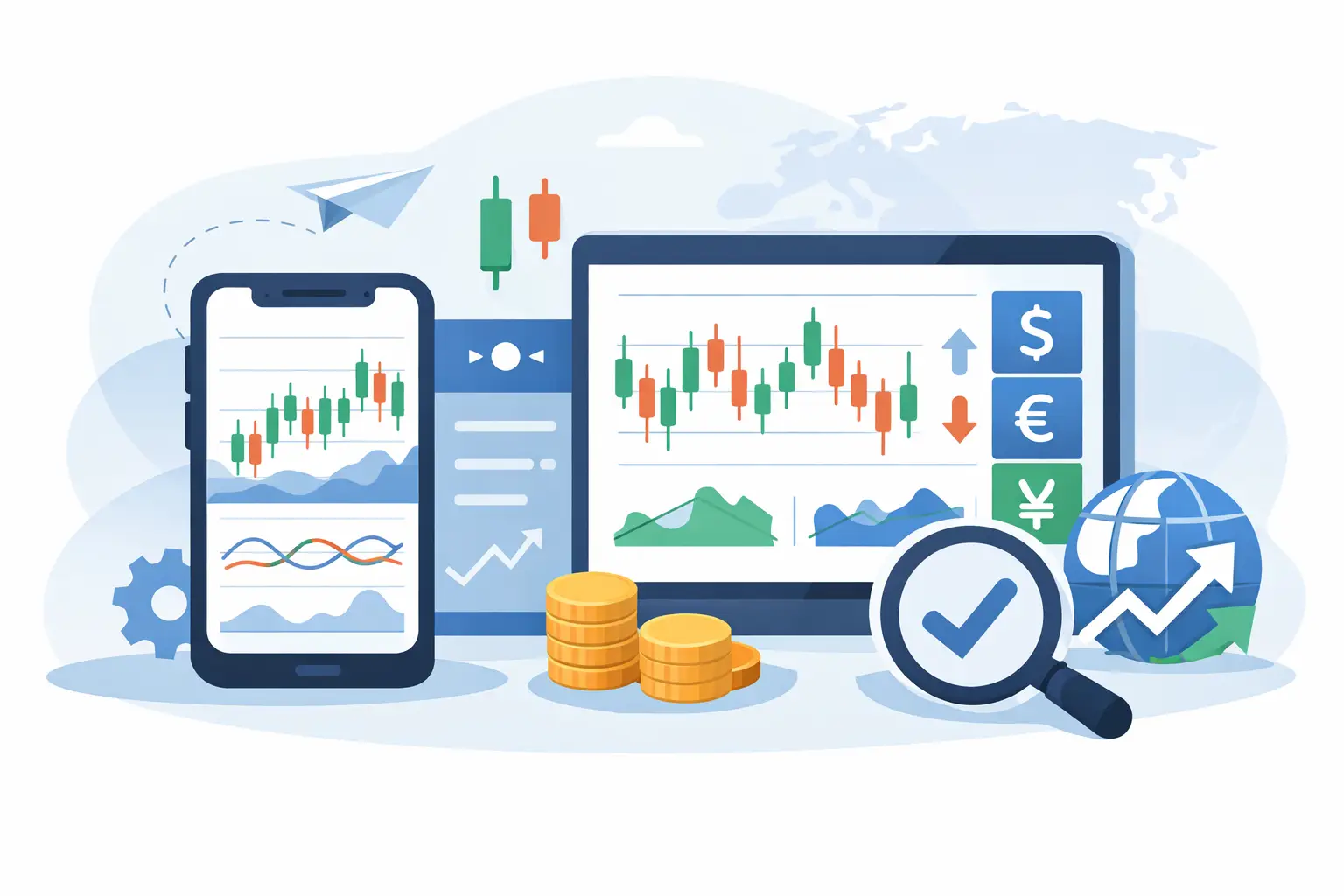
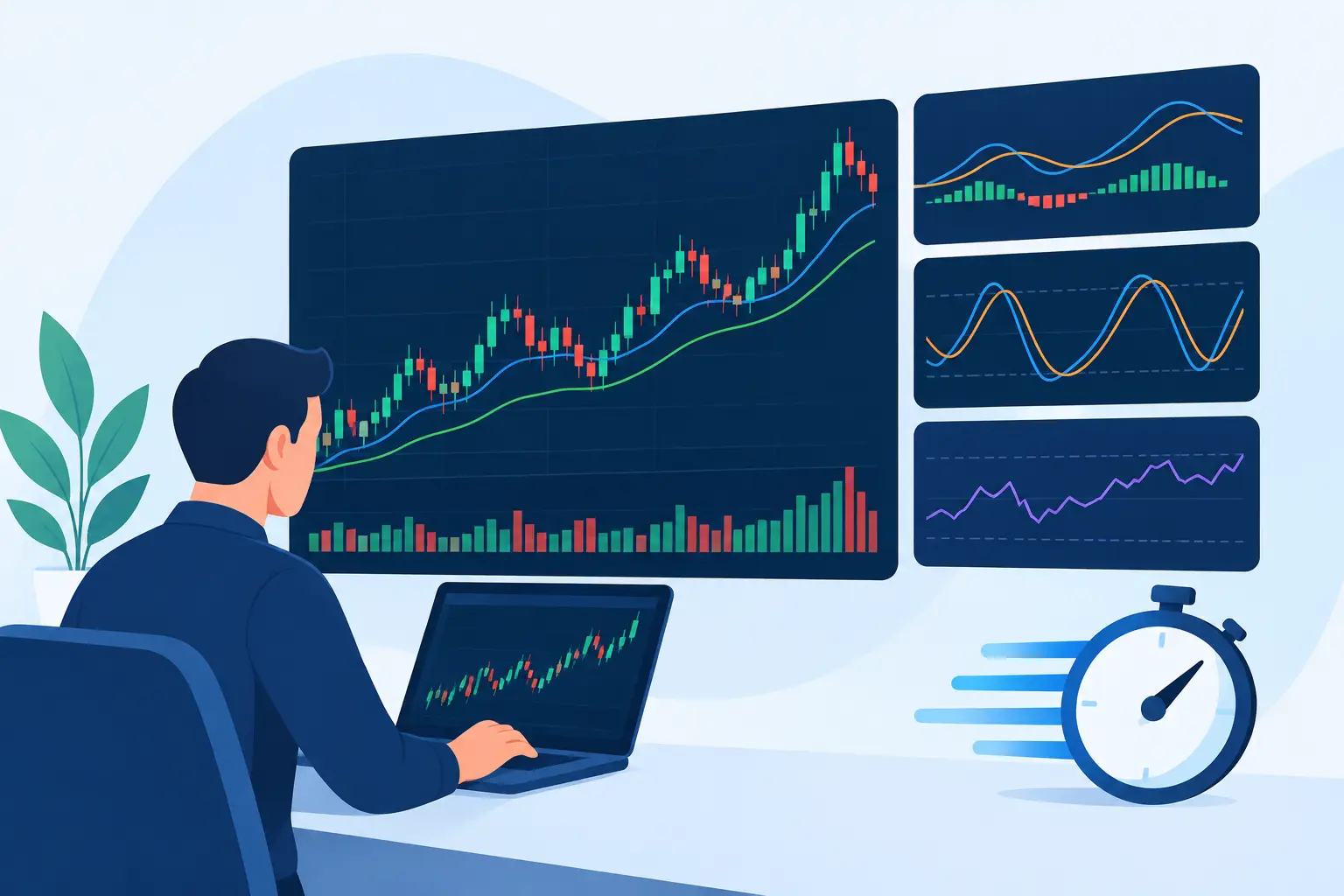
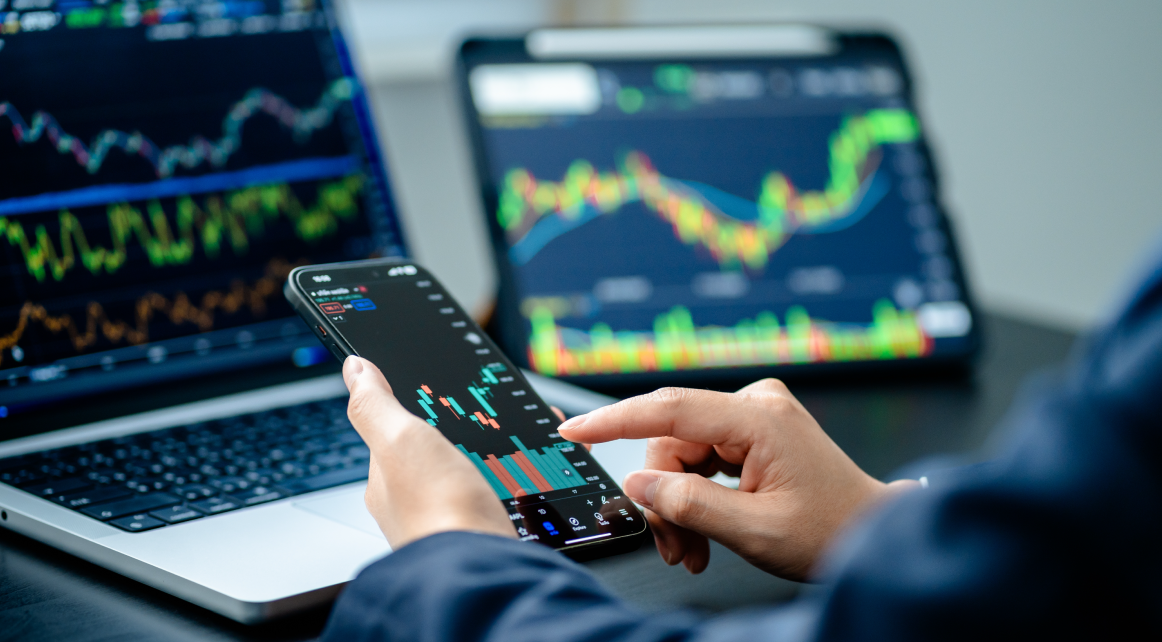
A fast market does not wait for you to get back to your desk. The best forex trading apps put live prices, charts, order controls, and account management in your hand so you can follow the market on your terms. But a polished interface alone does not make an app a strong trading choice. The right platform must match the way you analyze, execute, and manage risk.
For active traders, mobile access is about more than convenience. It is the ability to monitor an open position during a major economic release, adjust protective levels when volatility changes, or spot a setup across currency pairs before the opportunity has passed. For newer traders, it is also a practical way to learn market behavior without feeling overwhelmed by a desktop-only platform.
What Makes the Best Forex Trading Apps Stand Out?
The strongest forex trading apps combine market access with reliable controls. You should be able to view real-time quotes, open and close trades efficiently, set stop-loss and take-profit levels, and review your positions without hunting through multiple screens. Speed matters, but clarity matters just as much. A rushed trade made from a confusing ticket can be as costly as a delayed entry.
Platform depth is another differentiator. Basic apps may be enough for checking prices and placing occasional market orders. Traders using technical analysis, pending orders, multiple time frames, or a broader mix of instruments need more. Look for charting that remains usable on a smaller screen, a clear watchlist system, and the ability to manage orders without losing sight of current market conditions.
The best choice also depends on your trading style. A short-term trader may prioritize quick execution, one-tap access to order tickets, and price alerts. A swing trader may care more about detailed charts, indicators, and the ability to monitor positions over several days. If you trade forex alongside indices, commodities, crypto CFDs, or stock CFDs, a multi-asset app can reduce the need to move between separate platforms.
Start With the Platform, Not the Marketing
A trading app is only as useful as the platform behind it. Before opening an account, check which platform the broker supports and whether its mobile version offers the same core functionality as the desktop experience. You do not need every feature on day one, but you should not have to change platforms simply because your strategy becomes more advanced.
MT4 for Focused Forex Trading
MetaTrader 4 remains familiar to many forex traders because it is built around the essentials: currency quotes, customizable charts, technical indicators, order placement, and position monitoring. Its mobile app provides a practical environment for traders who want to focus primarily on forex and manage trades away from their main workstation.
MT4 can be a sensible fit if your process is straightforward and you value a widely recognized platform layout. That said, mobile chart work is naturally more limited than desktop analysis. It works best when you have a defined plan, know the levels you are watching, and use the app for execution and trade management rather than trying to perform every part of your research from a phone.
MT5 for Broader Market Access
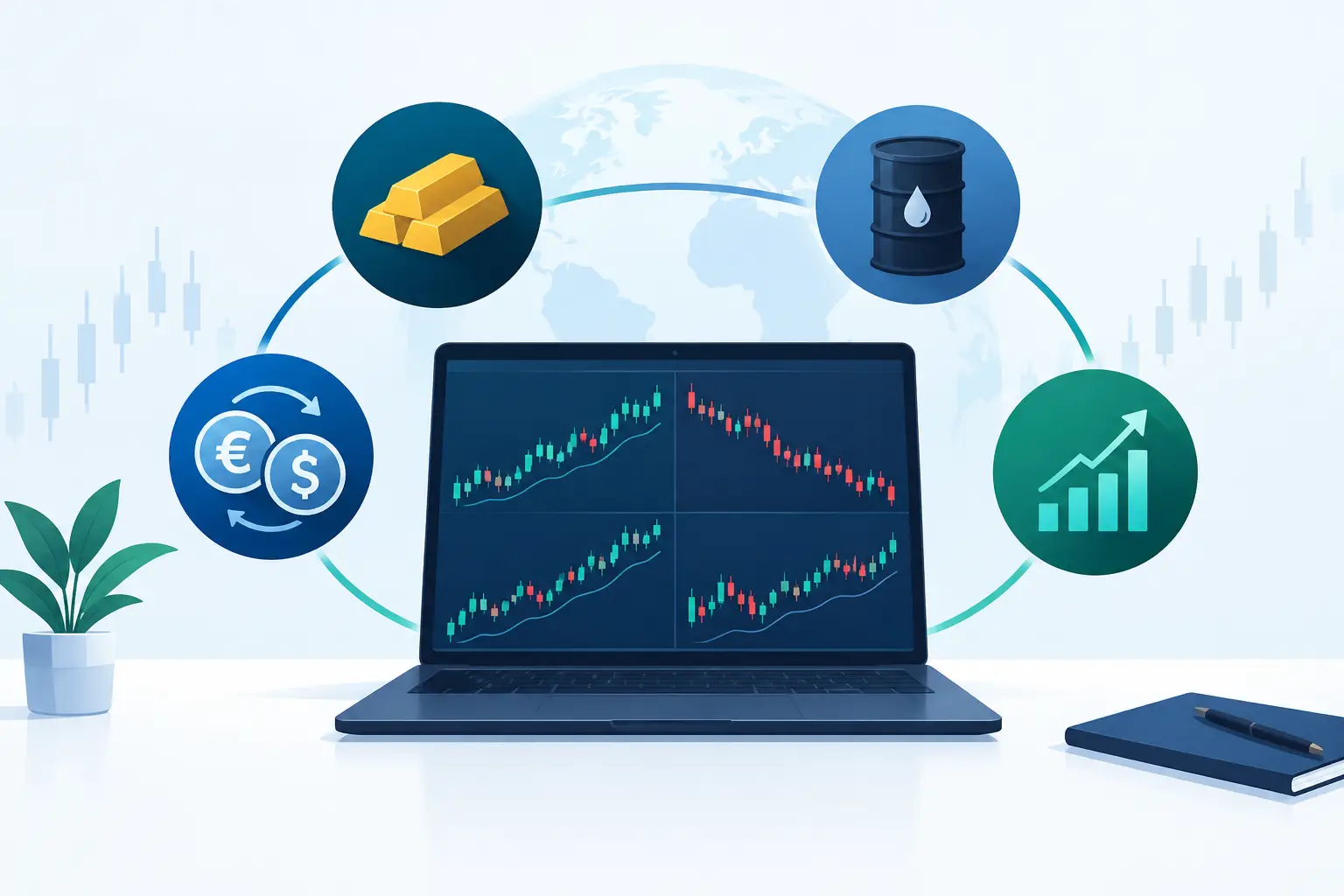
MetaTrader 5 is designed for traders who want expanded functionality and access to a wider range of markets. Depending on the broker and account setup, it can support trading across forex and CFDs on additional asset classes from one platform. Its mobile version gives traders a convenient way to review instruments, follow price movement, and manage a more diversified portfolio.
MT5 is often the stronger option for traders who want more time frames, more built-in analytical tools, and a platform that can support growth beyond a forex-only approach. More tools do not automatically lead to better decisions, though. If too many indicators make your chart harder to read, simplify your layout and focus on the data that supports your actual strategy.
Features That Matter Before You Fund an Account
A trading app should help you make deliberate decisions, not encourage impulsive ones. Review the practical features that affect every trade, from the first order to the withdrawal process.
First, examine the order types available in the mobile app. Market orders are useful when you need immediate exposure at the prevailing available price. Pending orders can help you plan entries at predefined levels, while stop-loss and take-profit instructions are central to trade management. Make sure you understand how to amend or remove these orders from the app before you need to act in a volatile market.
Next, assess charting and alerts. A good app should let you switch time frames, apply a reasonable selection of indicators, and view enough price history to place current movement in context. Alerts are especially valuable if you cannot watch the market continuously. Set them around meaningful levels in your plan, not every small fluctuation that could pull you into unnecessary trades.
Account access should also be clear. You need to see available margin, equity, open profit or loss, trade history, and funding status without ambiguity. These figures are not administrative details. They show how much exposure you carry and whether your account has enough room to withstand normal market movement.
Finally, consider operational access. Can you complete identity verification, review transaction status, and request deposits or withdrawals through the broker’s client area? A well-organized account experience reduces friction when you are ready to move from preparation to trading. At Monaxa, traders can access MT4 and MT5 alongside a broader range of trading and account options, allowing them to choose a setup aligned with their market goals.
Mobile Trading Requires Different Discipline
The convenience of a phone can create a false sense that every market move deserves a response. It does not. Mobile trading works best when the app supports a pre-existing process: identify the market, define the entry, calculate position size, set risk parameters, and know what would invalidate the trade idea.
Avoid opening oversized positions just because execution feels quick. Leveraged forex and CFD products can magnify both gains and losses, and losses may occur rapidly when prices move against your position. Your stop-loss is not a guarantee of the exact exit price in every market condition, but it remains an important control for defining the risk you are prepared to take.
It also helps to separate analysis from execution when possible. Use a larger screen for deeper market research, mark key levels, then use your phone to monitor alerts and manage the plan. Traders who do all their analysis while distracted by notifications, travel, or short breaks are more likely to force trades based on noise rather than a tested idea.
How to Test a Forex App Before Going Live
Do not judge an app only by screenshots or app-store ratings. Open a demo account if available and test the functions you will use under normal conditions. Build a watchlist of the pairs you follow, open several charts, place practice orders, modify protective levels, and close a position. The goal is not to simulate excitement. It is to confirm that each action feels clear before real money is involved.
Pay attention to the small details. Can you find the spread and current price quickly? Is the order ticket easy to review before confirmation? Can you tell the difference between volume, margin, and potential exposure? Does the app remain organized when you have several open trades? An app that looks impressive but slows down your decision-making may not be the right fit.
Also test your own habits. If you notice that constant price notifications lead to overtrading, reduce alerts to key levels. If chart analysis feels cramped, reserve mobile use for monitoring and execution. The best setup is not the one with the most features. It is the one that supports consistent decisions and keeps risk visible.
Choose Access That Fits Your Trading Plan
The best forex trading app is the one that gives you direct, reliable access to the markets you intend to trade, with tools that make risk easier to manage rather than easier to ignore. Prioritize a platform you can operate confidently during both quiet sessions and volatile news-driven moves.
Start with a clear plan, use a demo environment to learn the workflow, and fund an account only when you understand the platform’s order controls and the risks of leveraged trading. Market access is powerful when it is paired with preparation.