 English
 Portuguese
 Bahasa
Melayu
Bahasa
Melayu ไทย
ไทย 中文
中文 Tiếng Việt
 Español
 हिन्दी
 日本語
日本語 العربية
A trading platform becomes part of your decision-making process the moment markets start moving. If you need to place a forex order before a major economic release, monitor an index CFD position from your phone, or test an automated strategy, MT4 offers a familiar workspace built around speed, charts, and direct order control.
The platform itself matters, but it is not the whole trading experience. Your instruments, spreads, execution conditions, account setup, risk controls, and funding options all shape what you can realistically do. The right choice is the one that supports your trading method without creating unnecessary friction.
Why MT4 Remains a Familiar Choice
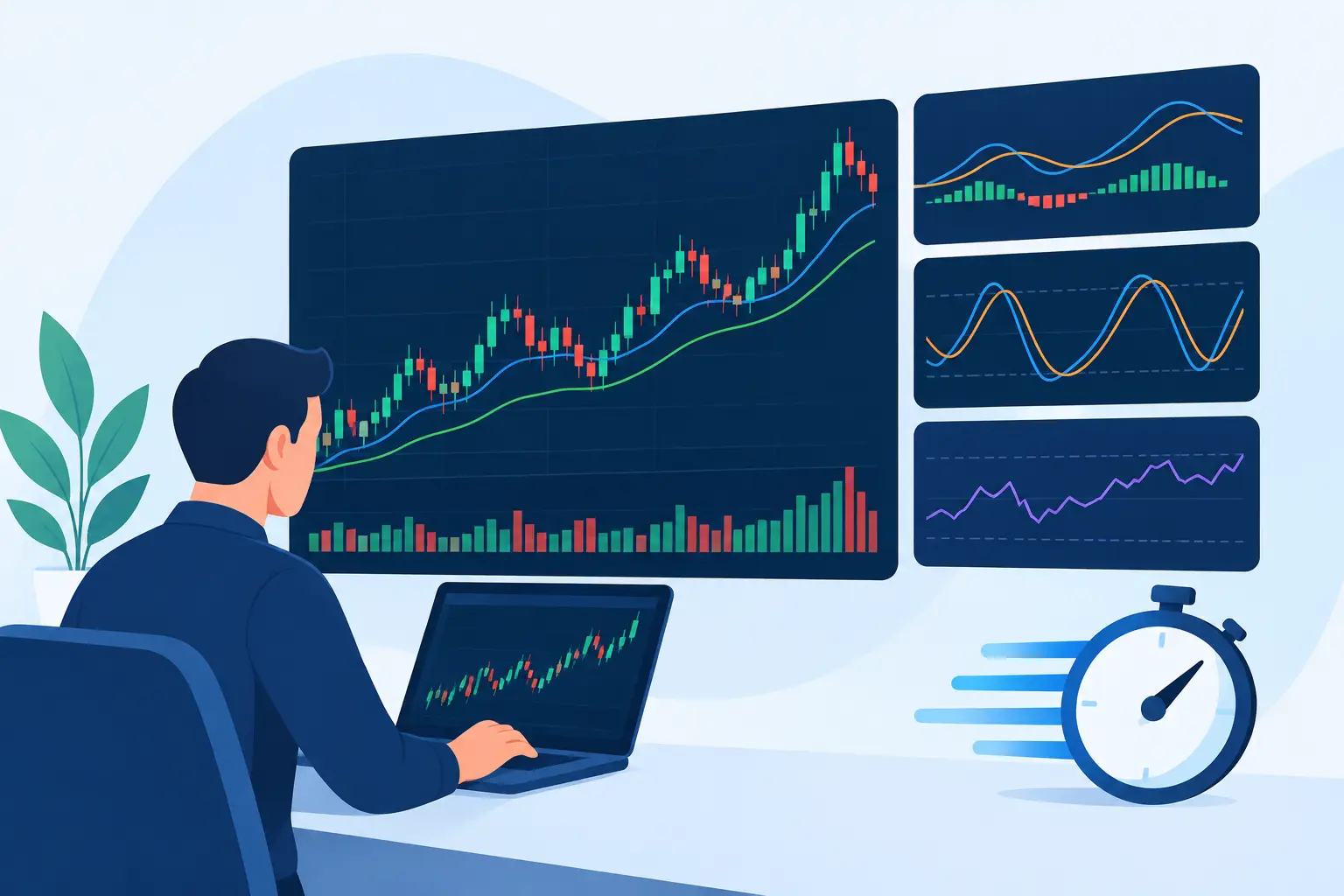
MT4 has remained popular because it gives traders a clear, practical environment for analyzing markets and placing trades. The layout is straightforward: Market Watch for available prices, charts for technical analysis, the Terminal for open positions and account history, and an order window for execution. A newer trader can learn the core workflow quickly, while an experienced trader can organize multiple charts, templates, and watchlists around an established routine.
For active forex and CFD traders, familiarity has real value. When you already understand where to check margin, adjust a stop-loss, or review a pending order, you can focus on the market rather than the software. This is especially useful when volatility increases and there is little time to search through menus.
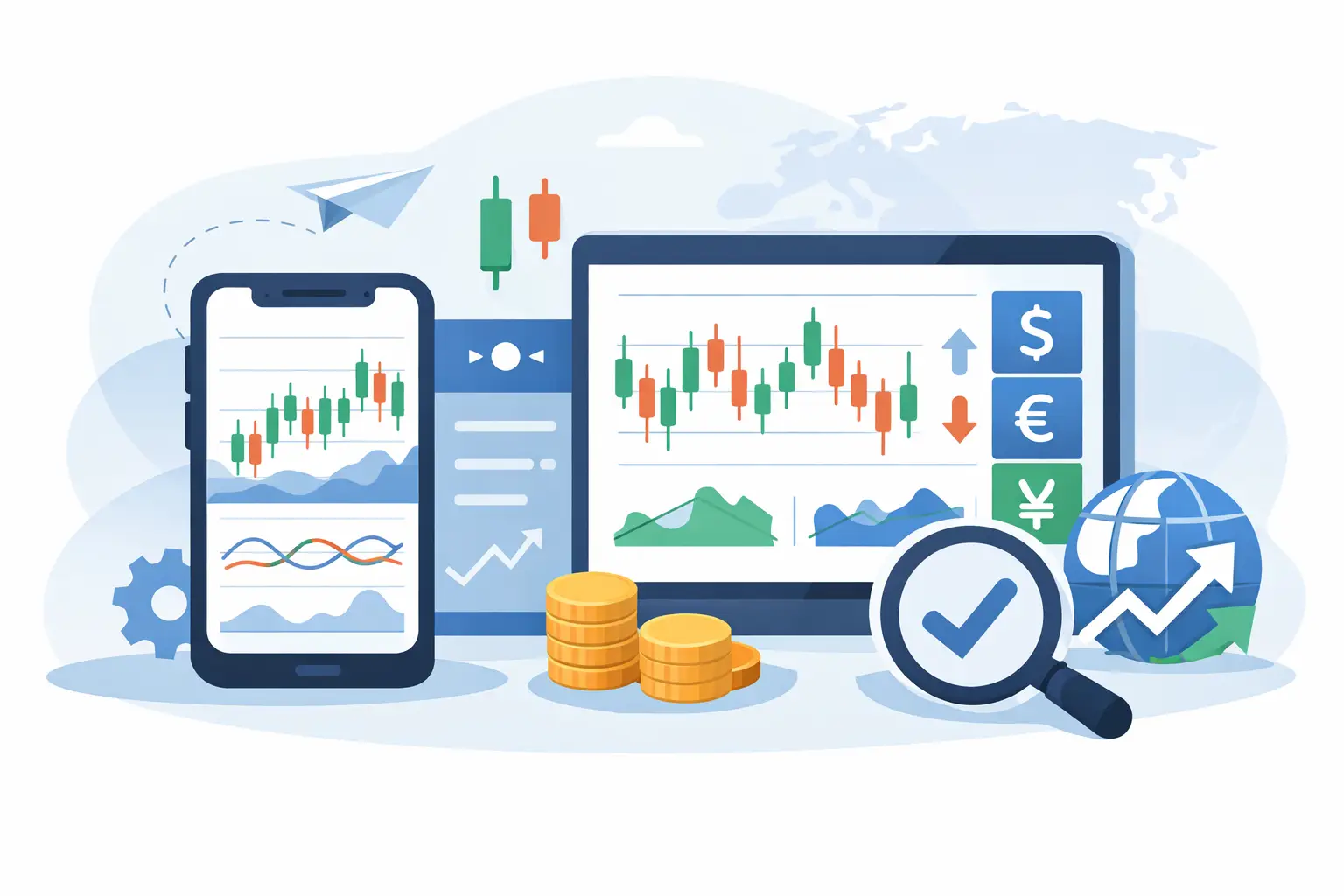
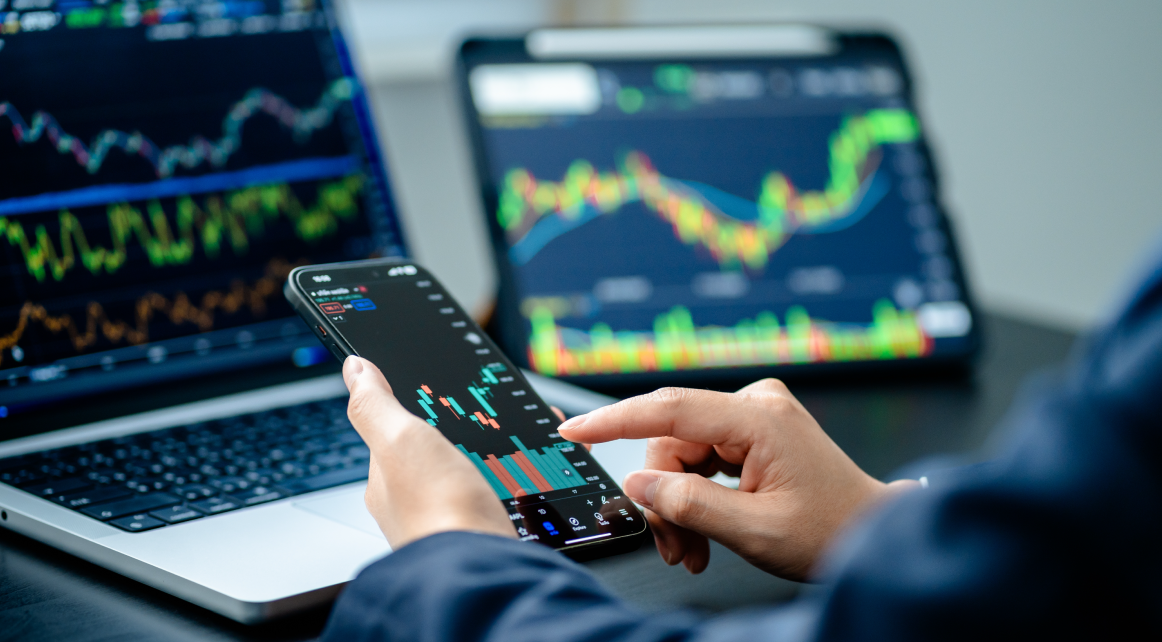
MT4 also supports desktop and mobile trading. Desktop remains the better setting for detailed analysis, especially when managing several charts or running automated tools. Mobile access is useful for monitoring exposure, reacting to price movement, and making essential adjustments when you are away from your primary setup. Neither should replace a written trading plan, but both can help you stay connected to open positions.
MT4 Versus Other Platform Styles
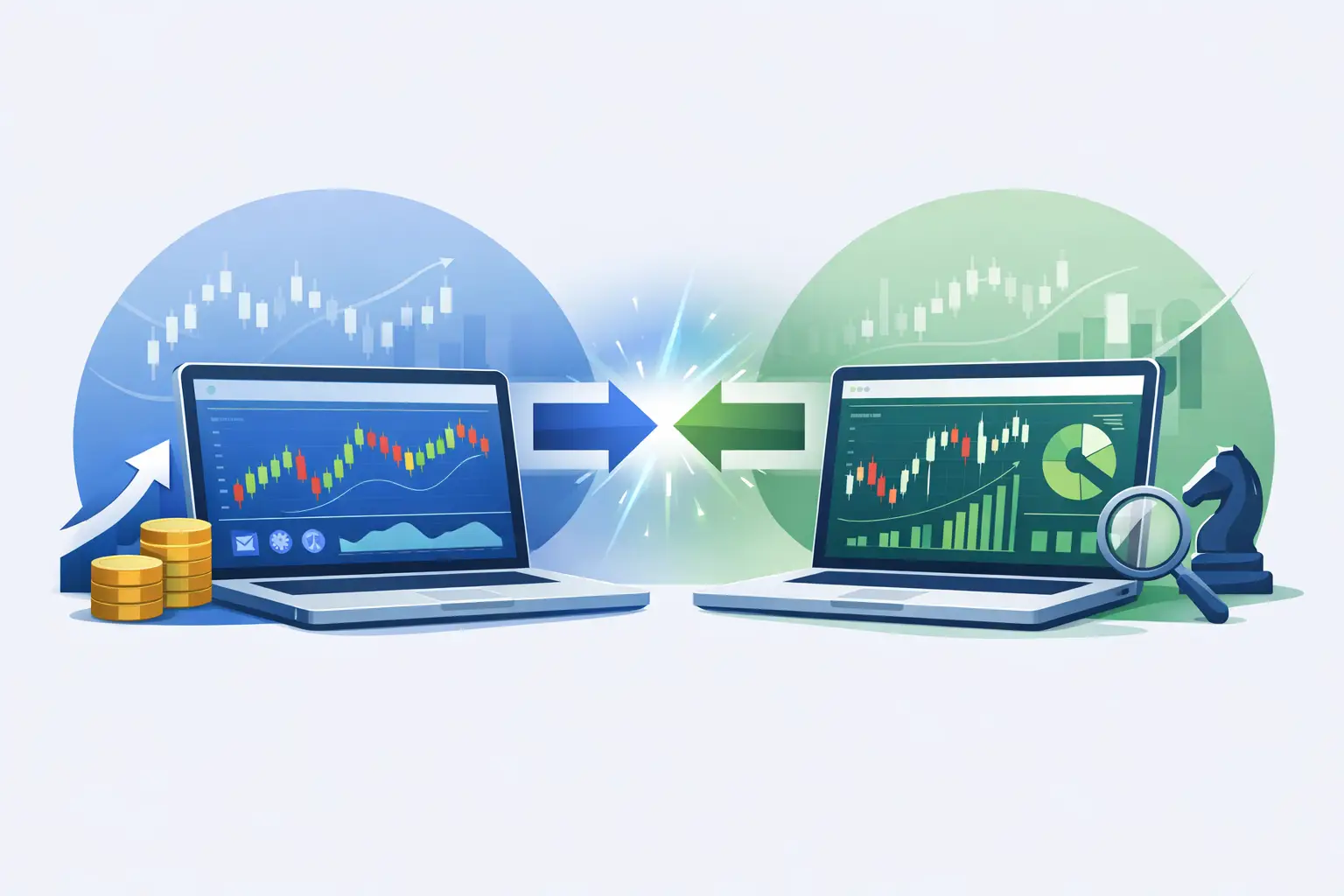
When traders compare MT4 with another trading environment, the real question is rarely which interface looks more modern. It is whether the platform fits the way they trade. Some traders want an established charting workflow, a large library of familiar indicators, and support for automated strategies. Others prioritize a different visual layout, specific order-entry preferences, or a workflow built around manual execution.
MT4 is often a natural fit for traders who value a proven structure. Its charts can be customized with indicators, drawing tools, timeframes, and templates. You can save a chart setup for repeated use, which is valuable if your strategy depends on the same moving averages, support and resistance zones, or momentum readings across several instruments.
Automation is another major consideration. MT4 uses Expert Advisors, commonly called EAs, to allow rule-based strategies to analyze markets and potentially place or manage orders. This can appeal to traders with defined entry and exit rules, but automation is not a shortcut around risk. An EA can follow its programmed logic consistently, yet it cannot guarantee profits or protect an account from poor strategy design, unsuitable market conditions, spread changes, or excessive leverage.
Before using any automated tool on a live account, test it carefully. Review how it behaves in trending and ranging markets, check its drawdown history, understand its position-sizing method, and make sure you know whether it uses averaging, grid, or martingale-style logic. A system that looks attractive during a short backtest can carry significant risk in live conditions.
What to Check Beyond the Platform
A platform is only as useful as the trading conditions behind it. Before opening an account, look at the full trading setup rather than making a decision based on charts alone. For forex and CFD trading, the most relevant factors usually include instrument availability, spreads, commissions where applicable, leverage, margin requirements, swap or overnight financing charges, and minimum trade sizes.
Execution matters as well. If you trade short-term moves, check how your broker handles market orders, pending orders, stop-losses, and take-profits. If you prefer longer-term positions, pay closer attention to overnight costs and the range of markets available. A trader focused on major currency pairs may have different priorities from someone who wants exposure to gold, indices, crypto CFDs, stock CFDs, or ETFs.
It is also worth checking account functionality before you fund. Confirm the supported deposit and withdrawal methods, the verification process, account currencies, and the tools available for managing your balance. Clear operational details reduce avoidable delays and let you concentrate on planning trades rather than solving account issues during an active market session.
Build a Workflow That Matches Your Strategy
The strongest platform setup is usually simple. Start with a focused watchlist rather than tracking every available market. Select the instruments you actually understand and the sessions you intend to trade. A trader who concentrates on EUR/USD during the London and New York overlap needs a different setup from someone who follows gold and US indices around major data releases.
Use chart templates to keep your analysis consistent. If your approach uses a 20-period moving average, an RSI reading, and key horizontal levels, save that layout and apply it across your chosen markets. Consistency helps you compare opportunities without changing the rules every time a new chart catches your attention.
Your order settings deserve the same discipline. Before entering a trade, know your entry point, invalidation level, position size, and potential loss. A stop-loss is not merely a platform feature. It is a decision about how much of your account you are prepared to risk if the market proves your idea wrong.
Leverage can increase market exposure with a smaller initial margin requirement, but it also magnifies losses. Do not choose position size based only on the maximum volume your account can open. Choose it based on a defined risk amount and the distance to your stop-loss. This approach can help protect trading capital through periods when conditions do not suit your strategy.
Who May Prefer an MT4-Based Setup?
MT4 can suit beginners who want a widely recognized platform with a direct learning curve. It can also work well for experienced traders who have established chart templates, use EAs, or prefer a desktop-first environment. Its strength is not that it solves every trading challenge. Its strength is that it provides a familiar structure that lets traders build repeatable habits.
It may be less suitable if your preferred workflow depends on features that are not part of its standard environment or if you need a highly specialized interface. That is why trying a demo account before committing capital can be a practical move. Use the time to place market and pending orders, test chart layouts, calculate position size, and see how the platform feels during your normal trading hours.
At Monaxa, platform access is designed to support traders who want to participate across global forex and CFD markets with a setup that is clear, flexible, and built for action. The best next step is not to chase the platform with the longest feature list. Build a trading workspace that helps you execute a well-defined plan, control risk, and stay consistent when the market moves fast.